
How I Vibecoded a Philosophy Prep App with Google AI Studio and Gemini
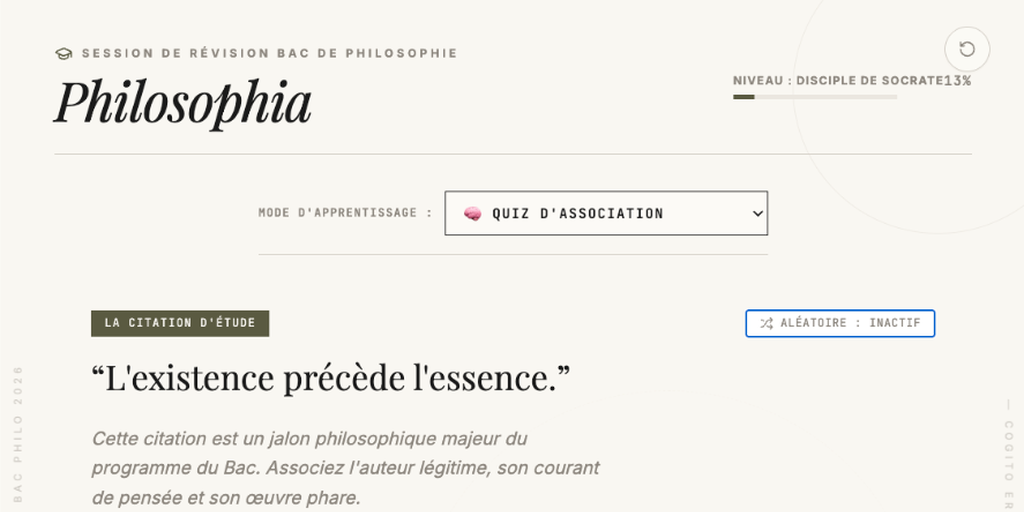
My daughter’s French Bac de Philosophie (philosophy baccalaureate) is tomorrow. Preparing for this examination usually involves reviewing handwritten flashcards, printed handouts, and paper notes.
Reviewing these concepts, authors, works, and quotes systematically is a pain. My daughter asked me for a digital tool to help her study, as she knew I had already helped her younger sister with similar tools for learning or revising her lessons.
I built an interactive study application. What started as a single-evening project became a web application, written in a mere couple hours of vibe coding in Google AI Studio and Gemini.
Here is how we built it.
Using Gemini’s Multimodality on Handwritten Notes
Data entry is a key task in building an educational app. Neither did I want to manually type out handwritten review sheets and printed handouts, nor did I want to fetch random data from the internet.
I uploaded photos of the handwritten notes directly to Gemini, within AI Studio. The model performed optical character recognition (OCR) on the handwriting, extracted the quotes, and formatted them into a structured layout.
Fact-Checking and Verification
For the Bac, accuracy is important: mixing up a work’s title or misattributing a quote costs points.
I used Gemini to verify the extracted data, as the first pass yielded some hallucinations (mis-attributions, or slightly modified quotes, as the handwriting was sometimes difficult to read, and some info was missing in the notes).
We cross-referenced authors, works, philosophical movements, and themes. Gemini corrected several historical mismatches, such as:
- Re-attributing Jean-Paul Sartre’s “L’existence précède l’essence” to the lecture “L’existentialisme est un humanisme” instead of “L’Être et le Néant”.
- Identifying the source of Immanuel Kant’s categorical imperative as “Fondation de la métaphysique des mœurs” rather than his later critiques.
- Correcting translation details for Schopenhauer’s description of the Will.
This process resulted in a structured dataset (Author, Citation, Source, Explanation) for the application.
Three Learning Modes
To support active recall, we implemented three modes:
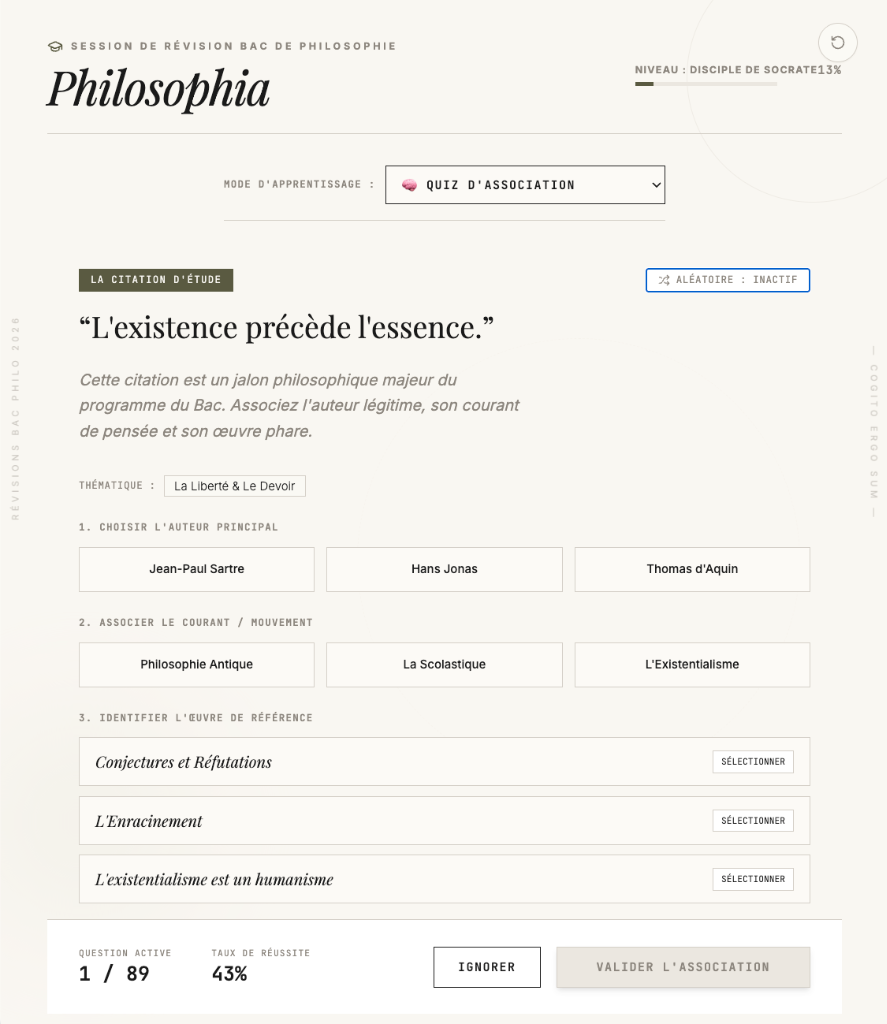
The Match Quiz: An interactive quiz where the student pairs a quote with its author, movement, or theme, and receives immediate feedback.
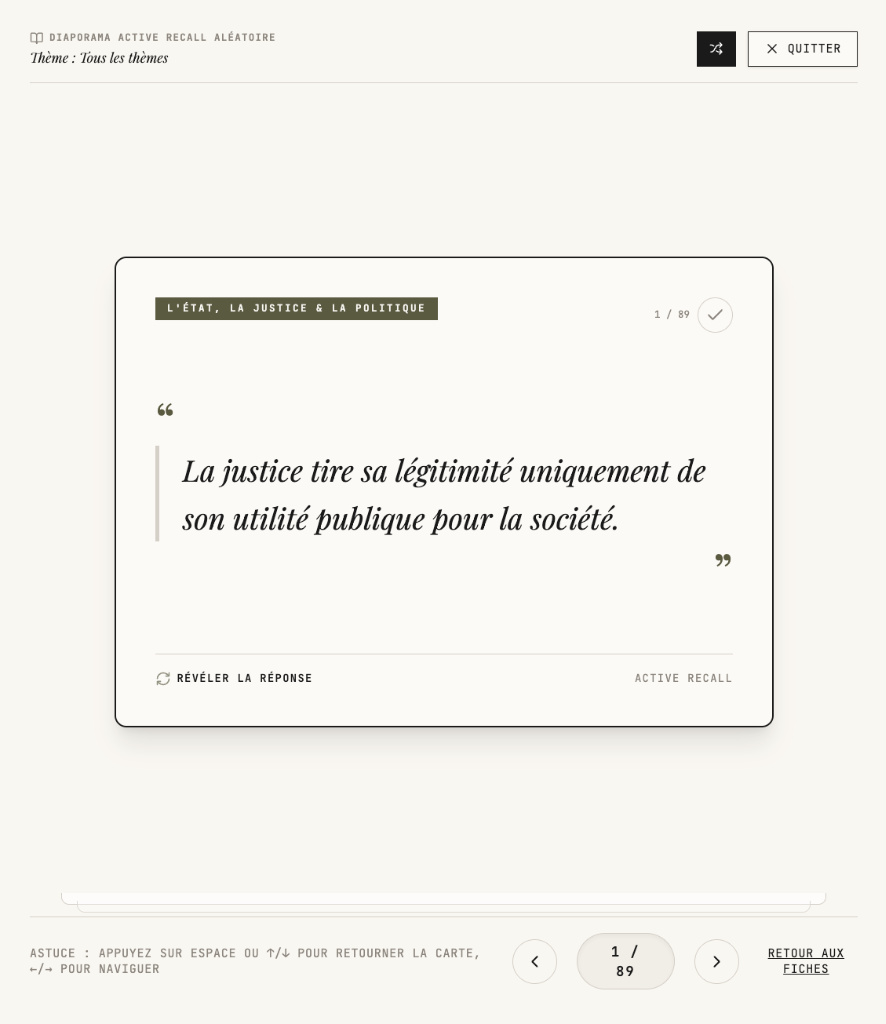
Flashcards: Double-sided cards that flip to reveal the answer. The app tracks cards marked as “Known” or “To Review,” and includes an automated slideshow option.
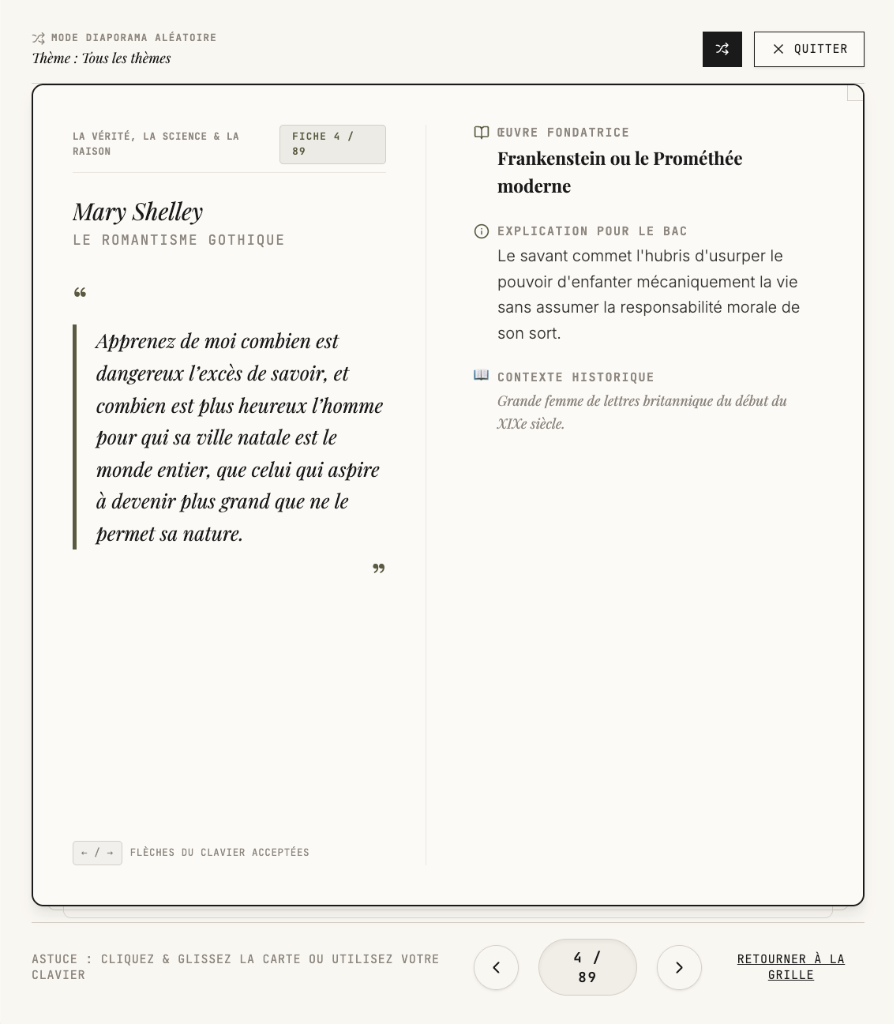
The Syllabus Library: A searchable list (of which a card is shown below) categorized by the official Baccalaureate themes (La Liberté, Le Travail, L’État, La Vérité, L’Art, La Conscience, Le Temps). Users can filter by keyword and read explanations.
Vibe Coding in Google AI Studio
I built this application using vibe coding, without writing frontend components or state managers from scratch.
Instead, I described the desired goal, layout and behavior to the AI assistant in Google AI Studio. And actually, it’s the AI assistant that came up with those three appraoches: quiz, flashcards, and syllabus library.
My initial prompt was simply (translated from French):
I want to create an application to help with revising for the Baccalaureate in Philosophy. The attached photos are review sheets that evoke the key concepts, quotes, works, philosophical movements, and main authors of the program. The main information is mostly in the highlighted handwritten text, but other information is also interesting in the rest of the notes.
The application should be fun and should allow you to associate 1) an author, 2) a quote and 3) a philosophical movement, the title of the work, through interactive quizzes.
We iterated in plain language. For example, when we noticed that closing the browser reset the settings, I asked: “Can we save her preferences automatically?” The assistant generated local storage code to save the active tab, quiz settings, and flashcard progress. The system then updated the application preview.
Creating Custom Study Tools
Using AI, via vibe-coding, we converted paper notes into a structured application. This demonstrates how custom tools can be built to suit a student’s study habits thanks to those new agentic development tools. Google AI Studio is a great place to start your next project idea!
Go check it out: