
Creating Images and Videos in Java With the New Nano Banana and Omni Models
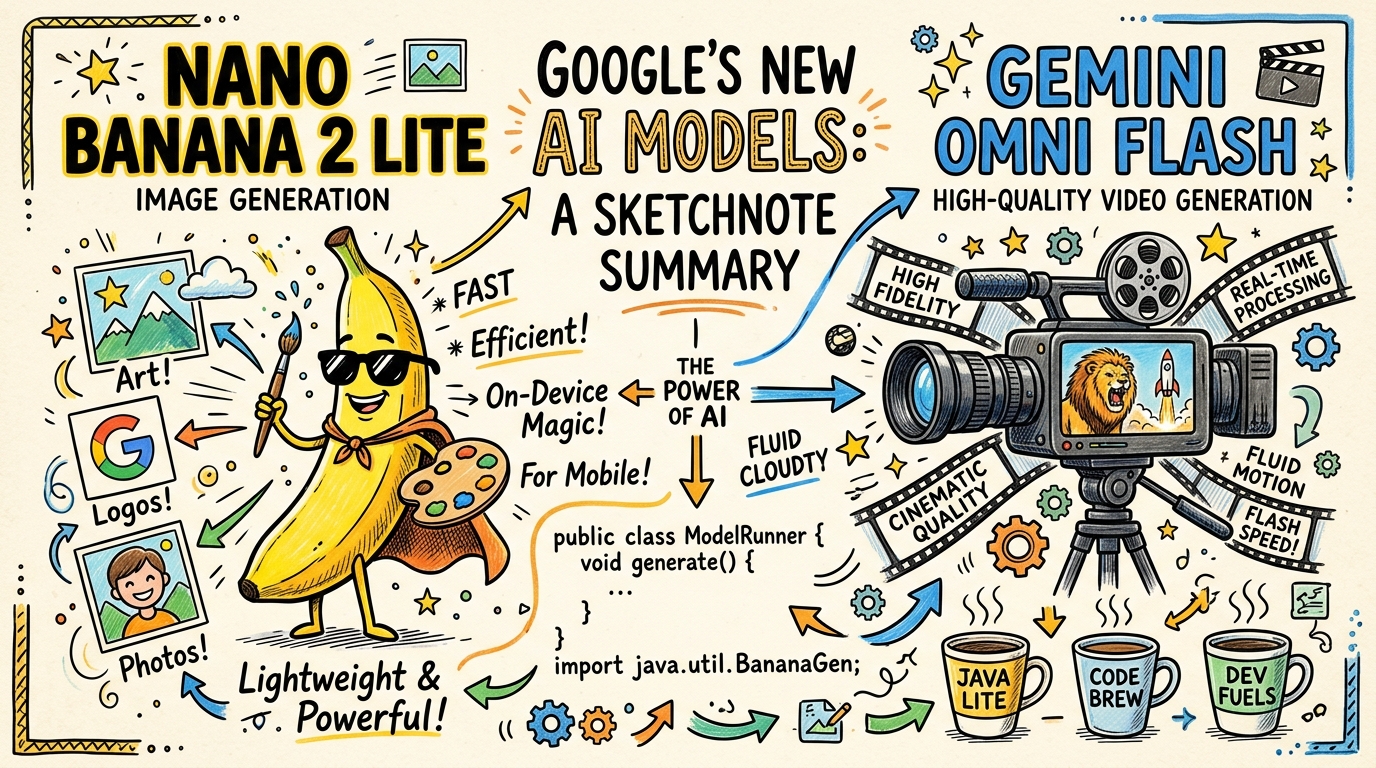
Google just announced the launch of some new image and video models: Nano Banana 2 Lite (the fastest, most cost-efficient Gemini Image model yet) and Gemini Omni Flash for high-quality video and conversational editing. You can read all about the announcement on the Google Blog.
As soon as I saw the news, I couldn’t wait to get my hands dirty. I wanted to see how easy it would be to generate images and videos using the Gemini Interactions API Java SDK.
Spoiler alert: it’s incredibly simple! In this post, I’ll walk you through how to invoke both of these models to generate an image and a video natively in Java.
Setting Up
First, make sure you have the Gemini Interactions API SDK in your project. If you’re using Maven, just add the dependency:
<dependency>
  <groupId>io.github.glaforge</groupId>
  <artifactId>gemini-interactions-api-sdk</artifactId>
  <version>1.0.0.RC3</version>
</dependency>
Also, ensure that your GEMINI_API_KEY environment variable is set.
Generating an Image with Nano Banana 2 Lite
The model identifier for the new image model is gemini-3.1-flash-lite-image.
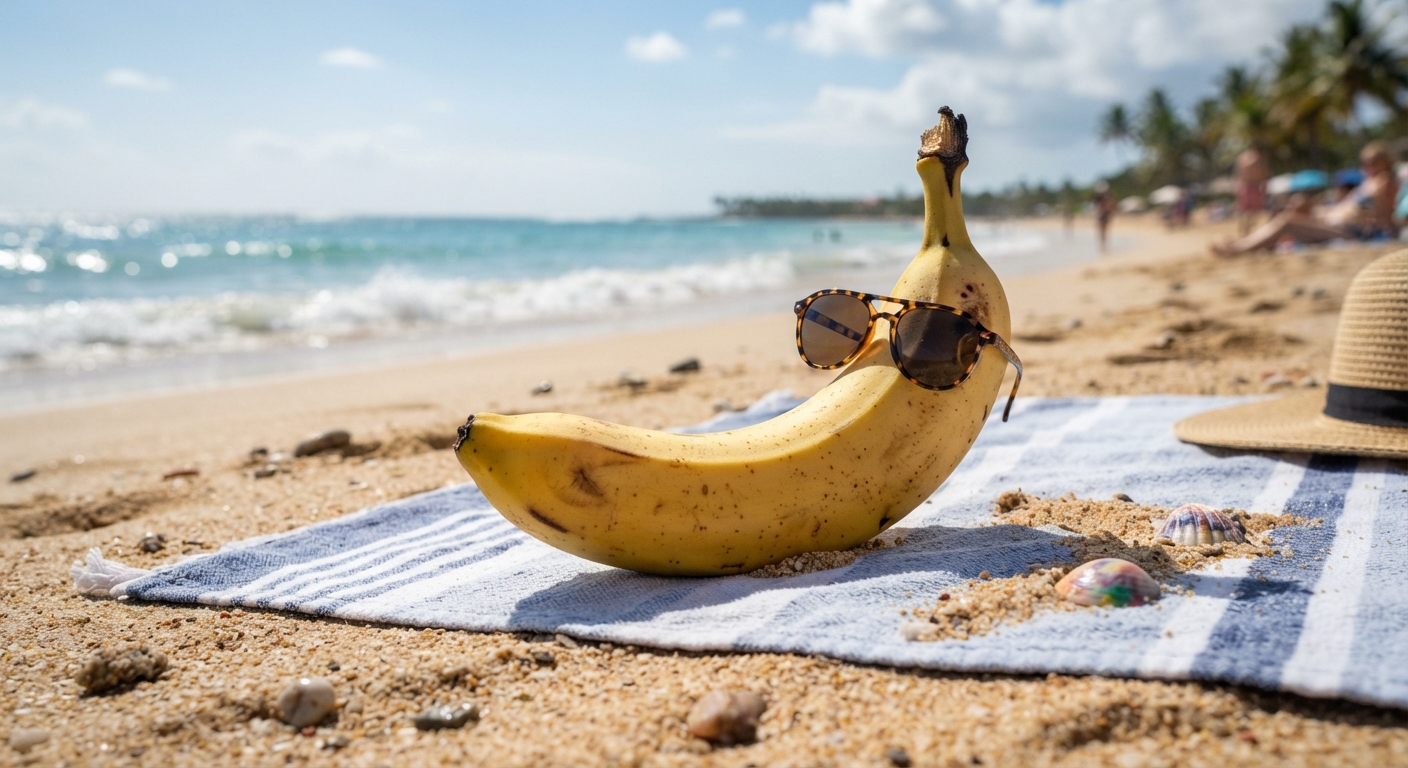
Generating an image is as simple as creating a ModelInteractionParams request, specifying the IMAGE response modality, and extracting the binary data from the interaction.
import io.github.glaforge.gemini.interactions.GeminiInteractionsClient;
import io.github.glaforge.gemini.interactions.model.*;
import io.github.glaforge.gemini.interactions.model.InteractionParams.ModelInteractionParams;
import io.github.glaforge.gemini.interactions.model.Interaction.Modality;
import java.nio.file.Files;
import java.nio.file.Paths;

public class MediaGenerator {
  public static void main(String[] args) throws Exception {
    // Initialize the client
    GeminiInteractionsClient client = GeminiInteractionsClient.builder()
      .apiKey(System.getenv("GEMINI_API_KEY"))
      .build();

    // Prepare the image request
    ModelInteractionParams imageRequest = ModelInteractionParams.builder()
      .model("gemini-3.1-flash-lite-image")
      .input("A highly detailed realistic banana wearing sunglasses on a beach")
      .responseModalities(Modality.IMAGE)
      .build();

    // Execute the interaction and save the image
    Interaction imageInteraction = client.create(imageRequest);

    if (imageInteraction.outputImage() != null) {
      byte[] imageData = imageInteraction.outputImage().data();
      Files.write(Paths.get("nano-banana.png"), imageData);
      System.out.println("Image saved successfully!");
    }
  }
}
Let’s see what the image looks like!
Generating a Video with Gemini Omni Flash
The video generation process is practically identical!
The model identifier for Omni Flash is gemini-omni-flash-preview.
We simply switch the model name and update the responseModalities to Modality.VIDEO.
You may need to ensure you’re on the latest version of the SDK to support the VIDEO modality! (i.e. at least 1.0.0-RC3)
// Prepare the video request
ModelInteractionParams videoRequest = ModelInteractionParams.builder()
  .model("gemini-omni-flash-preview")
  .input("A banana jumping into a pool of water")
  .responseModalities(Modality.VIDEO)
  .build();

// Execute the interaction and save the video
Interaction videoInteraction = client.create(videoRequest);

if (videoInteraction.outputVideo() != null) {
  byte[] videoData = videoInteraction.outputVideo().data();
  Files.write(Paths.get("omni-banana.mp4"), videoData);
  System.out.println("Video saved successfully!");
}
If you haven’t seen a banana jumping into a pool, here’s what you’re missing out:
This example is pretty trivial, as a one-shot generation, but Omni is a conversational model. It means you can continue the discussion to further tweak the generated video. It’s also a multimodal model, so you can give ingredients like existing images that you want to integrate in the resulting videos. This could be characters you want to use, or you could set the first and last frame of the video, and Omni would fill in the gaps. Really great for creativity!
Conclusion
With just a few lines of Java code, the SDK abstracts away all the HTTP calls and multipart response parsing, giving you the direct byte arrays for your generated media. The Interactions API keeps getting more powerful, and the Java SDK is keeping right up with it. Let me know what you end up building with Nano Banana 2 Lite and Omni Flash!