
Gemini 3.8 Flash TTS, Voice Design, and Custom Voices with the Gemini Interactions Java SDK
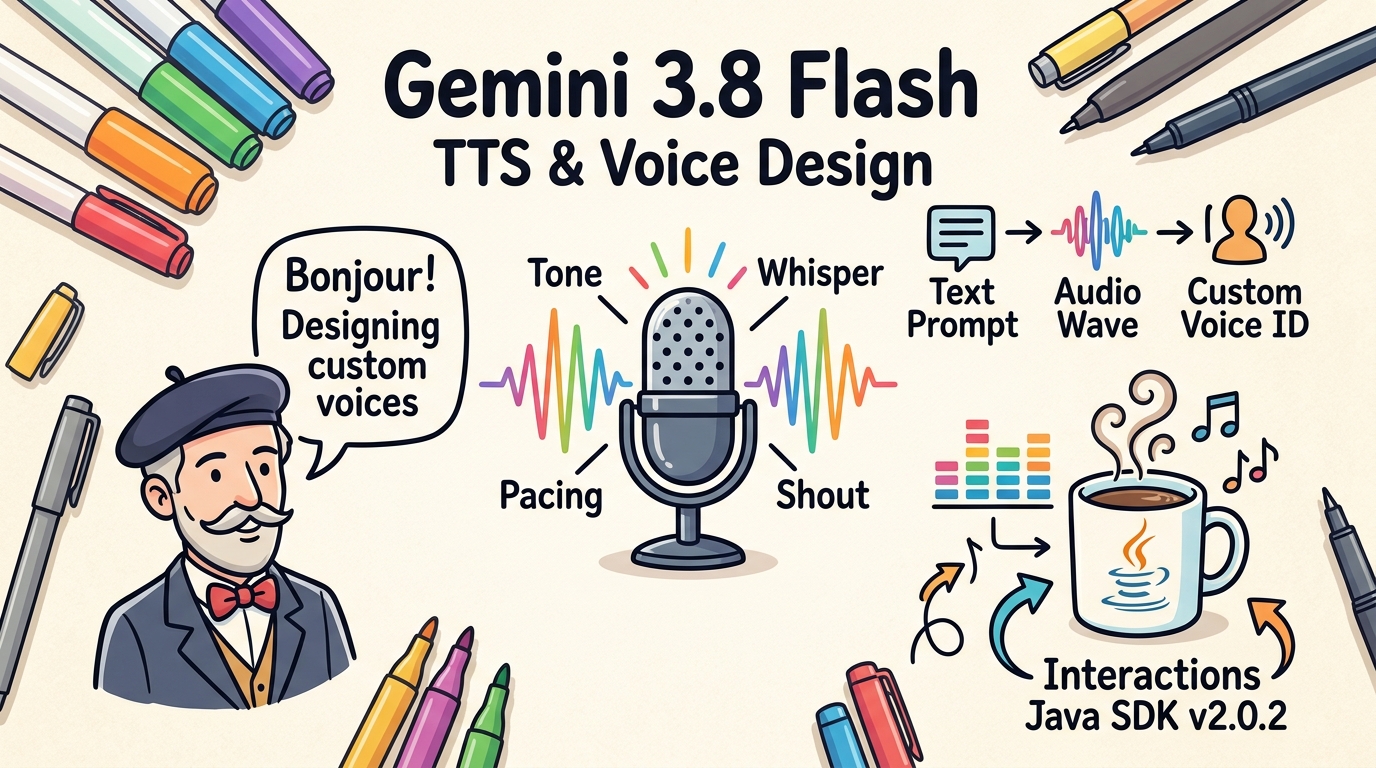
Google recently introduced dedicated text-to-speech models in the Gemini family: Gemini 3.8 Flash TTS (gemini-3.8-flash-tts) and Gemini 3.8 Flash-Lite TTS (gemini-3.8-flash-lite-tts).
The Google team shared the details in their announcement: Gemini 3.8 Text-to-Speech.
To support these new models and their voice customization features in Java, I have published version 2.0.2 of the Gemini Interactions API Java SDK.
In this post, I will explain what these models offer, what was added to the SDK, and show you a complete, practical example of how to design a custom voice and synthesize speech with it.
What developers can do with Gemini 3.8 Flash TTS
Unlike traditional parametric or unit-selection text-to-speech engines, Gemini 3.8 Flash TTS models are native speech generation models. They bring several practical capabilities to developers:
- Delivery style control: You can steer the tone, pacing, emotion, and accent of spoken output on a per-turn basis using natural language instructions (such as “whispering anxiously”, “reading clearly and slowly”, or “enthusiastic podcast host”).
- Voice Design (Prompted Voices): You can create persistent custom voice personas simply by describing them in plain text (for example, “A calm, deep French-accented voice, speaking slowly and thoughtfully”). The API generates the voice model along with a short preview audio sample.
- Voice Replication (Cloned Voices): You can clone an existing voice by uploading reference audio files, paired with a mandatory verbal consent audio clip to ensure compliance and authenticity.
- Multi-speaker conversations: The models support conversation-level speaker allocations, making it possible to generate dialogue between multiple characters or agent personas with distinct voices and realistic turn-taking cadence.
- Low-latency streaming: Both Flash TTS and Flash-Lite TTS are designed for low-latency voice agents and interactive voice bots.
What’s new in Java SDK v2.0.2
To integrate these capabilities into gemini-interactions-api-sdk, I updated the SDK to cover the new endpoints and payloads:
- New
Voiceresource & client methods:client.createVoice(),client.getVoice(),client.listVoices(), andclient.deleteVoice()for managing custom and prebuilt voice catalogs. - Factory helpers on
Voice:Voice.prompted(prompt, name, description)for designing voices with natural language.Voice.replicated(name, description, referenceFiles, consentFile)for voice cloning.Voice.prebuilt(name)for standard catalog voices.
- Enhanced
VoiceConfig: Now accepts custom voice IDs viaVoiceConfig.of(customVoice.id())in addition to prebuilt voice names. - Delivery style support: Added
Content.speech(text, style)andTurnContent.speech(text, style)to easily pass delivery prompts (speech_metadata.delivery_style) to turns. - Multi-speaker configuration: Added
SpeakerConfigto configure speaker setups (SpeakerConfig.conversational(...)orSpeakerConfig.explicit(...)). - Preview audio access: The
Voicerecord now includessampleAudio()providing direct access to preview audio bytes (sampleAudio().asBytes()).
Getting the dependency
The library is published on Maven Central. If you use Maven, add the dependency to your pom.xml:
<dependency>
    <groupId>dev.glaforge.gemini</groupId>
    <artifactId>gemini-interactions-api-sdk</artifactId>
    <version>2.0.2</version>
</dependency>
Or with Gradle:
implementation 'dev.glaforge.gemini:gemini-interactions-api-sdk:2.0.2'
Complete example: Voice Design and Speech Synthesis
Here is an end-to-end example demonstrating how to design a custom voice from a text prompt, save the generated preview sample, and synthesize a speech turn with custom delivery instructions:
package dev.glaforge.gemini.interactions.samples;

import dev.glaforge.gemini.interactions.GeminiInteractionsClient;
import dev.glaforge.gemini.interactions.model.*;

import java.nio.file.Files;
import java.nio.file.Path;

public class CustomVoiceSynthesisSample {

  public static void main(String[] args) throws Exception {
    GeminiInteractionsClient client = GeminiInteractionsClient.builder()
        .apiKey(System.getenv("GEMINI_API_KEY"))
        .build();

    // 1. Design a custom voice using a natural language description
    Voice customVoice = client.createVoice(Voice.prompted(
        "A calm, deep French-accented voice, speaking slowly and thoughtfully",
        "French Philosopher",
        "French Philosopher voice designed with Gemini 3.8 Flash TTS"
    ));

    // 2. Play or save sample preview audio
    // returned during voice creation
    if (customVoice.sampleAudio() != null) {
      byte[] previewAudio = customVoice.sampleAudio().asBytes();
      Files.write(Path.of("voice-preview.wav"), previewAudio);
    }

    // 3. Synthesize speech using the custom voice
    // and Gemini 3.8 Flash TTS
    Interaction interaction =
      client.createInteraction(InteractionParams.builder()
        .model("gemini-3.8-flash-tts")
        .input(Turn.user(
            Content.speech("""
                Bonjour! Today we explore the nature of thought,
                machines, and the spoken word.
                A reflective, gentle delivery with subtle pauses
                between phrases
            """)
        ))
        .generationConfig(GenerationConfig.builder()
            .speechConfig(SpeechConfig.builder()
                .voiceConfig(VoiceConfig.of(customVoice.id()))
                .audioConfig(AudioConfig.builder()
                    .audioEncoding("LINEAR16")
                    .sampleRateHertz(24000)
                    .build())
                .build())
            .build())
        .build());

    // 4. Extract generated audio content from the interaction turn
    interaction.turns().stream()
        .flatMap(turn -> turn.content().stream())
        .filter(content ->
          content.speechMetadata() != null ||
          "audio/wav".equalsIgnoreCase(content.mimeType()))
        .findFirst()
        .ifPresent(audioContent -> {
          try {
            byte[] audioData = audioContent.asBytes();
            Files.write(Path.of("output.wav"), audioData);
          } catch (Exception e) {
            e.printStackTrace();
          }
        });
  }
}
Breaking down the code
- Voice creation:
client.createVoice(Voice.prompted(...))issues a POST request to/voices. Gemini designs a new voice based on your description and assigns it a unique resource ID. - Audio preview: The returned
Voiceobject contains asampleAudio()payload containing a synthesized preview sentence. You can write it to disk or inspect it before using the voice in production. - Turn input with delivery style: Instead of plain text,
Content.speech(text, style)sets the turn text and attaches the delivery style metadata. In this example, we ask for a reflective and gentle tone. - Speech configuration: In
GenerationConfig, we configureSpeechConfigwith ourcustomVoice.id()and specify uncompressed 24 kHz LINEAR16 PCM audio (WAV container). - Output retrieval: We iterate over the interaction turns, locate the audio content part, and decode its payload with
audioContent.asBytes()before saving it tooutput.wav.
Listing and managing voices
Once created, custom voices persist in your project catalog. You can query them at any time:
// List all voices (prebuilt and custom)
List<Voice> allVoices = client.listVoices();

// List only custom designed voices
List<Voice> customVoices = client.listVoices(VoiceType.PROMPTED);

// Delete a voice when no longer needed
client.deleteVoice(customVoice.id());
Conclusion
With Gemini 3.8 Flash TTS and custom voice support now in the Gemini Interactions API, developers have finer control over how spoken content sounds, from vocal identity to delivery nuances.
If you are building voice-enabled applications or autonomous conversational agents in Java, check out the release notes for v2.0.2 and the project documentation on GitHub.